








VBESTLIFE PCIe to USB 3.2 Gen 2 Card, 10Gbps 5Ports PCIe Expansion USB Card for Desktop PC, 19Pin Connector, for Wins, for Linux, and for OS X

 4.3 (132 items)
 Limited Time Sale
$36.34 cheaper than the new price!!
Free cash-on-delivery fees for purchases over $99
Product details
| Management number | 216219964 | Release Date | 2026/04/19 | List Price | $24.22 | Model Number | 216219964 | ||
|---|---|---|---|---|---|---|---|---|---|
| Category | |||||||||
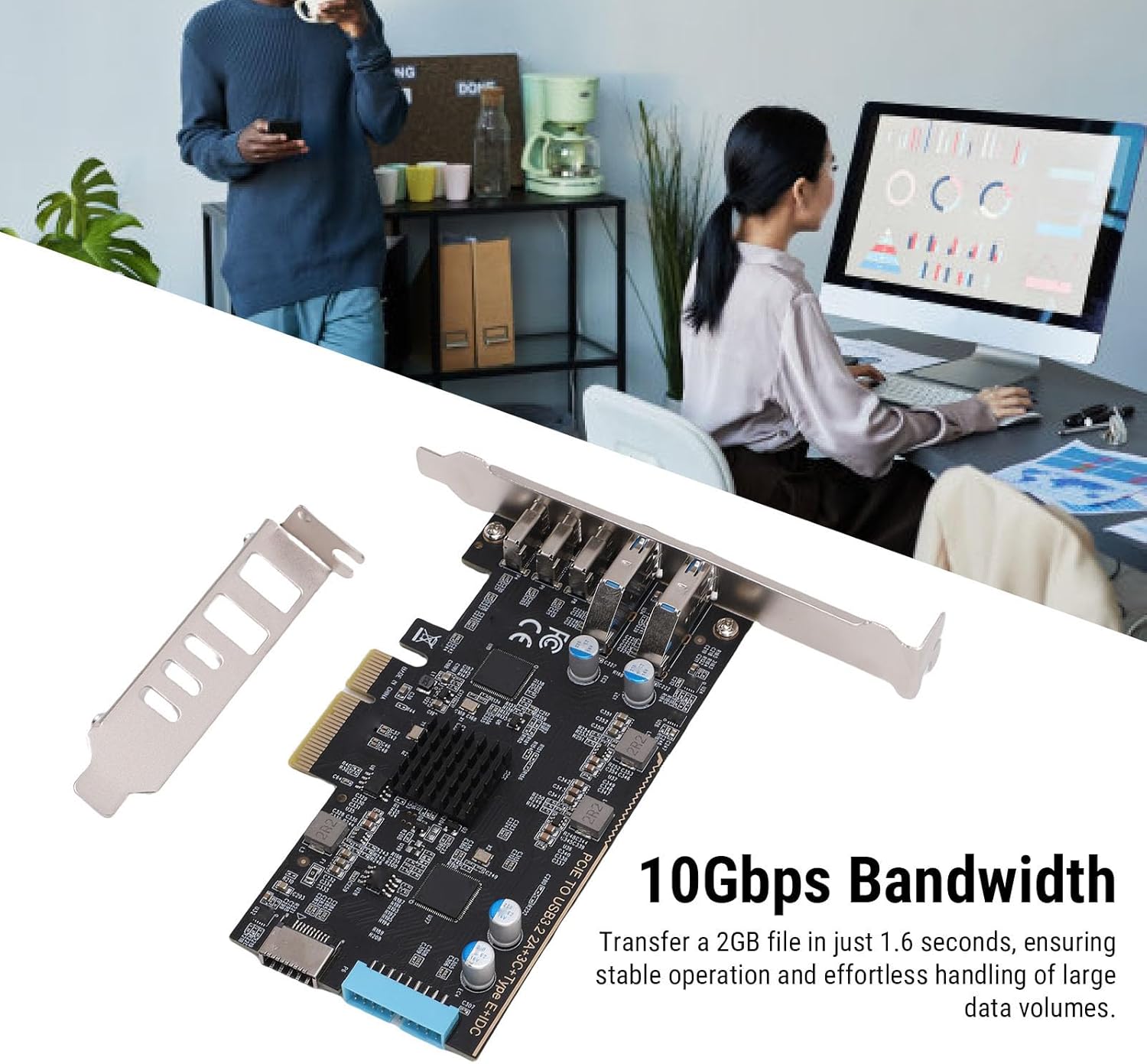
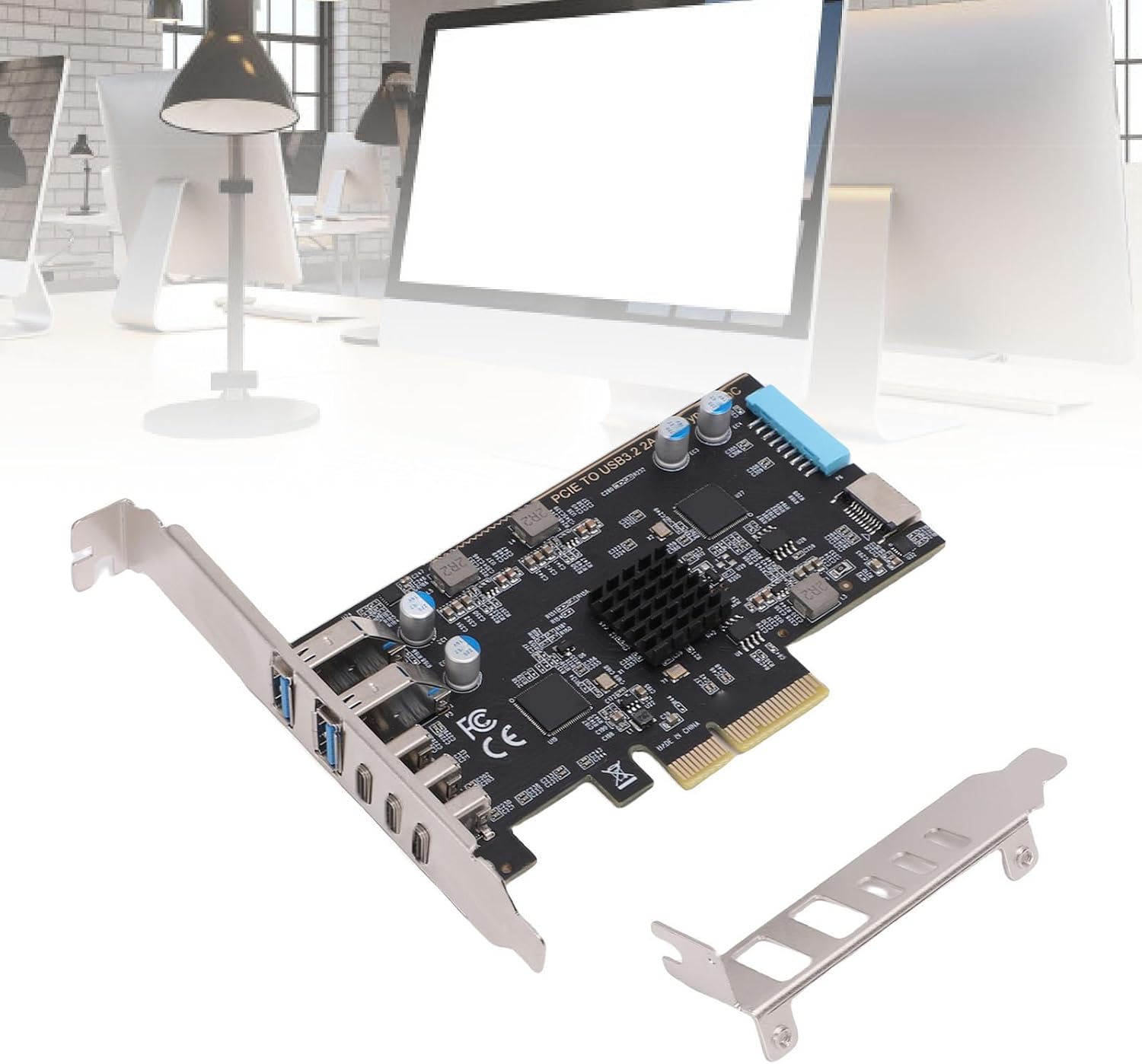
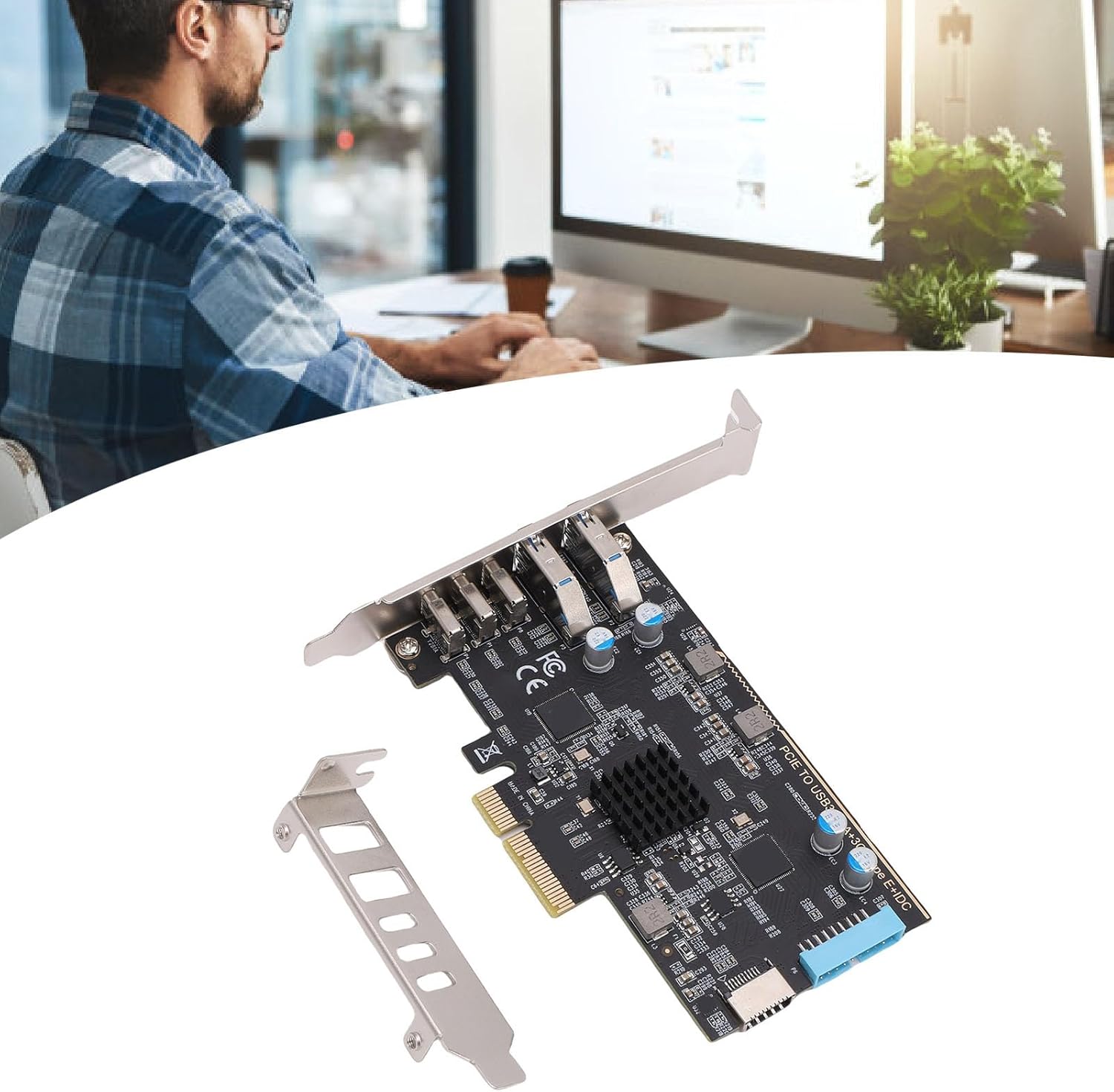
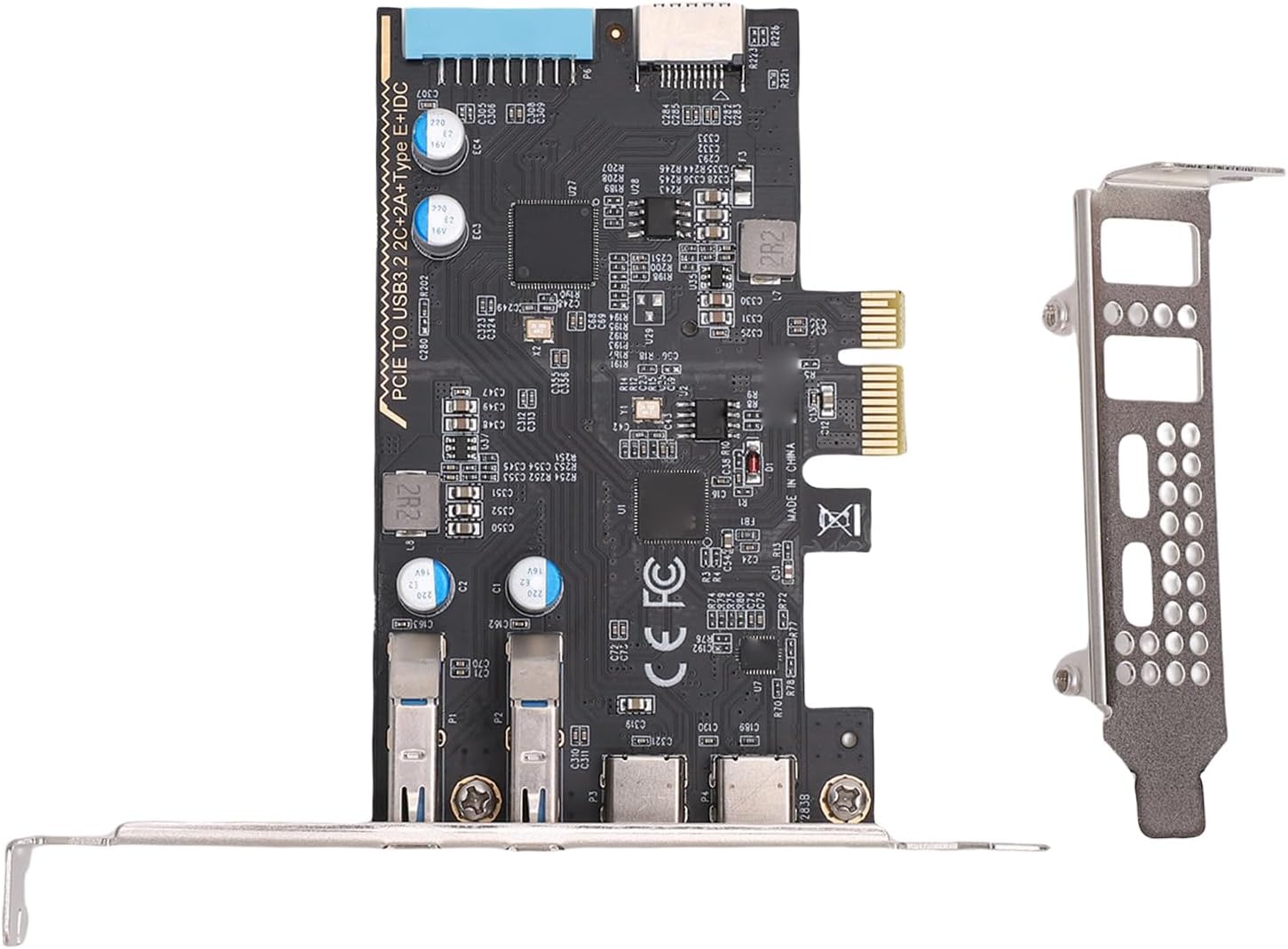
- Versatile USB Connectivity Enhancement: This PCIe expansion card easily adds 3 USB 3.2 Gen 2 Type C, 2 USB Type A, a USB Type E and 19 pin interface to your desktop, designed to enhance USB connectivity. It supports high speed data transfer up to 10Gbps, accommodating various USB C devices such as external storage, VR headsets, game controllers, and printers.
- High Speed Data Transfer Efficiency: Compliant with USB 3.2 GEN2 10Gbps standard, this adapter card's 2 USB Type C ports each support 10Gbps bandwidth. Using them simultaneously may reduce speed, but it only takes 1.6 seconds to transfer a 2GB file. It operates smoothly without waiting, easily handling high demand tasks such as large data processing, game downloads, sound editing, and image design.
- Broad Compatibility: This USB C PCIe card is compatible with older PCs, supports PCIe 2.0 motherboards, and is compatible for Wins, for Linux, and for OS X systems. It fits PCIe x4, x8, or x16 slots, with for Wins 10 and later versions being plug and play without needing drivers. Note that in PCIe 2.0 systems, the maximum transfer rate may be lower than PCIe 3.0 or higher versions.
- Stable Connection Without Additional Power: The motherboard provides the internal USB card via the PCI Express slot, requiring no additional power for ensuring a stable connection, unlike external USB hubs prone to lost connections. Note that the USB expansion card supports data transfer only, not PD fast charging, video signal transmission (display port, HD multimedia interface, VGA display conversion).
- Convenient Installation: Before installation, ensure the computer is powered off and unplugged. Remove the case side panel, insert the USB expansion card into the PCIe slot, and secure it with screws. We provide an extra standard 12cm bracket for PC cases (pre installed) and an 8cm short bracket for small tower cases. For narrow case rear slots, use the included low profile bracket. Be cautious of cutting edges when dismantling the case to avoid injury.
Brush & Pen Cleaners




USB Port Cards




Correction of product information
If you notice any omissions or errors in the product information on this page, please use the correction request form below.
Correction Request Form